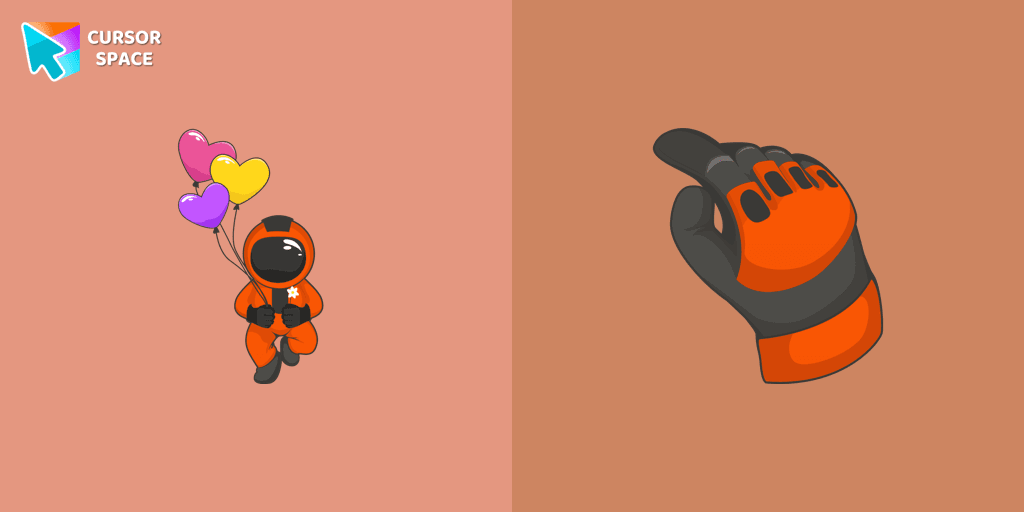
Cute Astronaut cursor
0Free
You can afford to go into outer space with our collection of custom cursors for Chrome. A well-designed custom cute astronaut mouse cursor from our collection of custom space fiction mouse cursors.
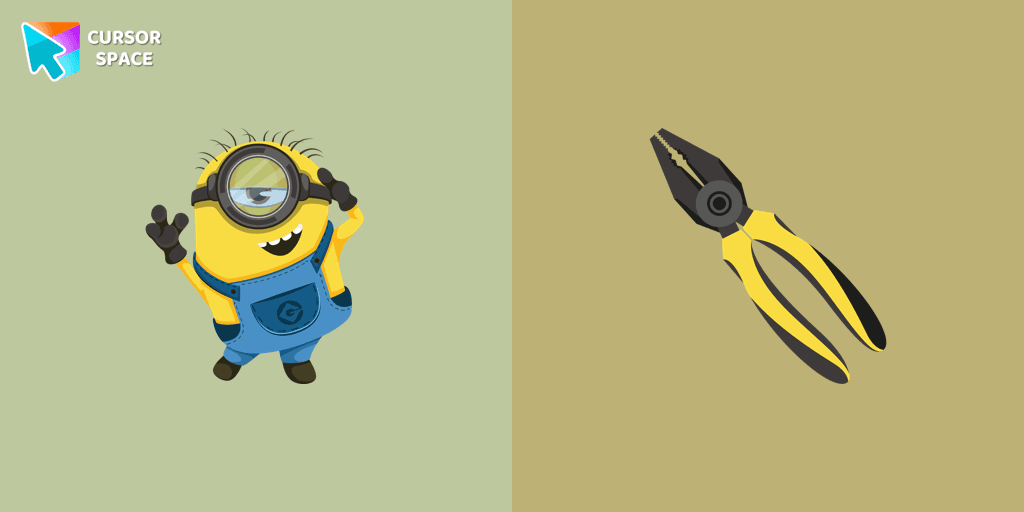
Stuart the Minion is one of the most beloved characters from the Despicable Me universe. Recognizable by his single eye, mischievous grin, and playful nature, Stuart stands out as a fun-loving Minion who enjoys video games, music, and relaxing whenever possible. Unlike some of his more energetic companions, Stuart has a laid-back attitude, often seen strumming his Hawaiian guitar or getting into hilarious adventures.
Now, you can bring his charming and cheeky personality to your browsing experience with the Stuart the Minion custom cursor! This colorful cursor is perfect for fans who want to add a touch of fun and animation to their everyday web surfing. Whether you're scrolling through websites or working on tasks, Stuart’s cute and vibrant design will brighten up your screen.
Designed for Custom Cursor for Google Chrome, this cartoon cursor is easy to install and completely free to use. Whether you love fun cursors, fantasy themes, or character-inspired designs, Stuart fits right in with a collection of themed cursors, featuring elements like rainbows, stars, hearts, and clouds to make your browsing experience more magical.
Don’t settle for a boring mouse pointer—switch to the Stuart the Minion cursor and enjoy a more entertaining and personalized browsing experience. Try it today and let the Minion madness take over your screen!
Install the Cursor Space extension for Chrome or Cursor Space for Edge in your browser.
On this page, click "Add this cursor pack to the extension".
Open the extension and go to the Packs tab.
Find the custom cursor pack "Stuart the Minion cursor" and click it.
Enjoy!
Get this cursor pack and thousands of others by installing our extension. It's fast and free!
Stuart The Minion Cursor is a themed cursor pack you can add to your browser to personalize your pointer across common cursor states (default and pointer). Use it for everyday browsing, streaming, studying, or gaming-anywhere you want your cursor to match your vibe.
See how the cursors look before installing.
Add the pack to the extension in a few clicks.
Designed for Chrome and Edge via the extension.
Quick answers to common questions about cursor packs, collections, and installation.
Yes. To apply cursor packs in Chrome or Edge, install the Cursor Space extension and add this pack to it.
Cursor packs are designed for Chromium browsers like Chrome and Microsoft Edge.
Open the extension, choose another pack or disable the current one to return to your default cursor.
Custom cursor and packs - neon, anime, pixel art. Quickly add to Chrome and Microsoft Edge for free
You can afford to go into outer space with our collection of custom cursors for Chrome. A well-designed custom cute astronaut mouse cursor from our collection of custom space fiction mouse cursors.
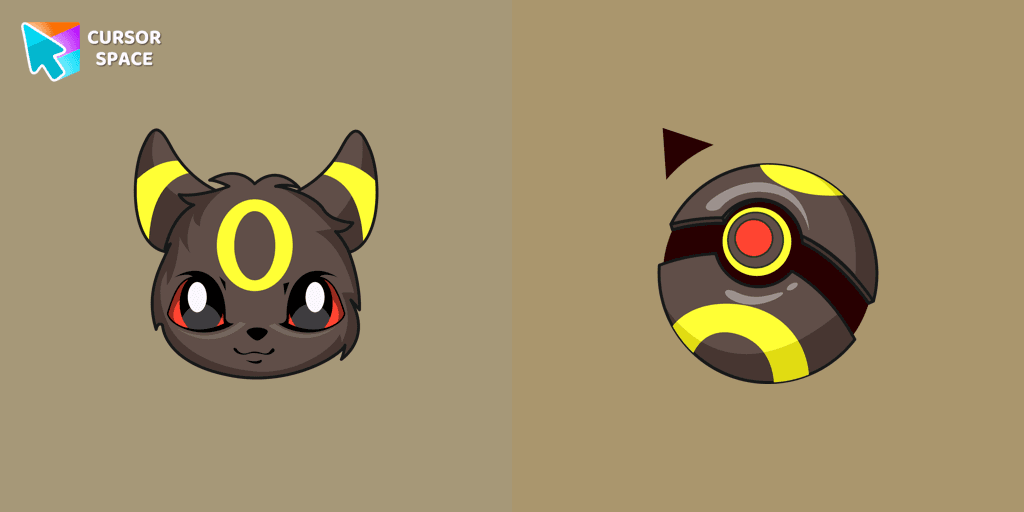
Umbreon cursor as a cursor for mouse and a pointer in a stylish design will look pretty nice on your screen.
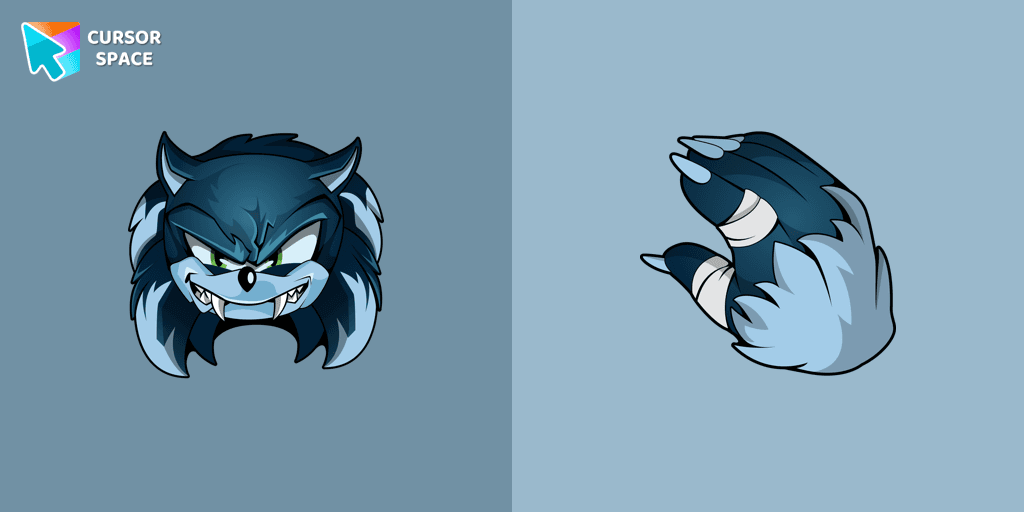
Install the Sonic the Werehog cursor from our Sonic the Hedgehog custom cursor collection.
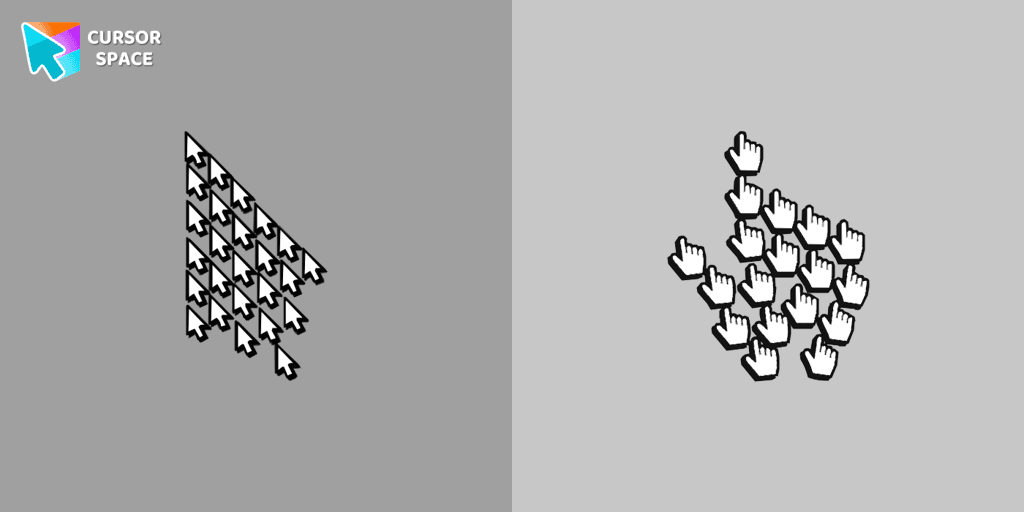
Experience the fun of the Multiple Cursor prank with a custom cursor for Google Chrome. Add fake cursors to confuse and entertain while keeping only one functional.
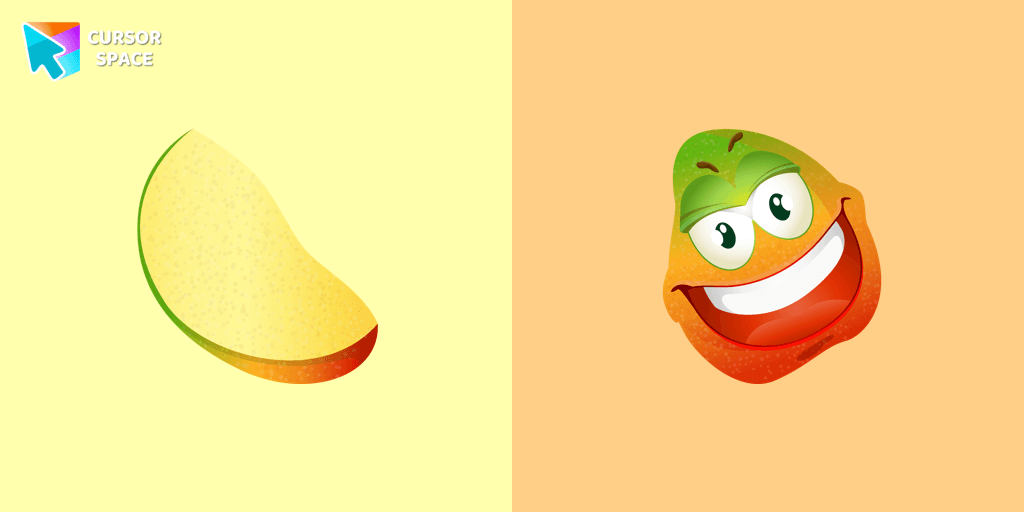
Merry mango cursor for mouse and pointer adds a fun mood to your everyday browsing the web. Funny fruits custom cursors collection for Chrome and its cursor with mango is here!
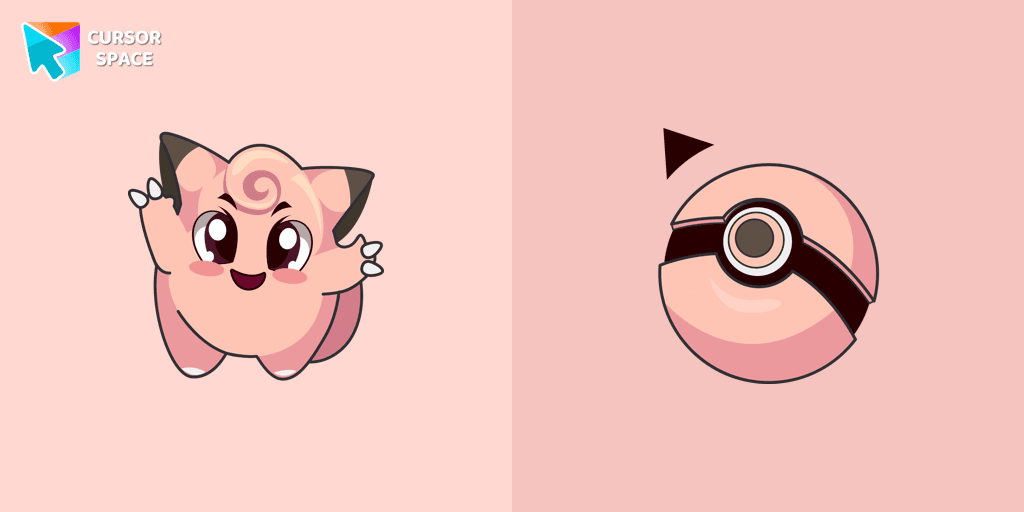
Cute Clefairy cursor and pointer in our adorable custom cursors collection with Pokemon.
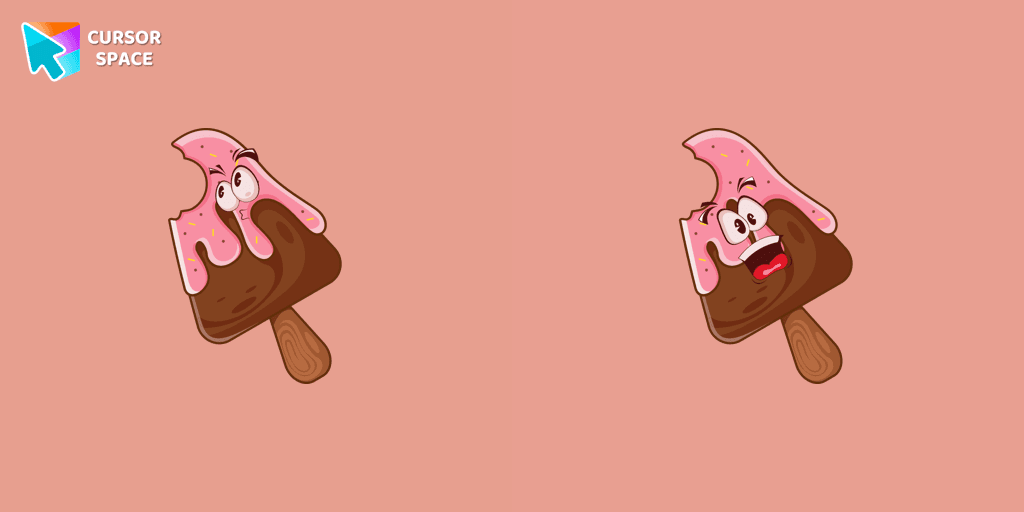
Appetizing custom cursor with chocolate ice cream in cutie presentation of custom cursors collection with deserts.
In our cute custom cursors collection Pokemon, we have illustrated a Piplup as a custom cursor for a browser in a nice art.
There is a custom cursor with a unique scepter and a Minion Loki as a hover in a set of Minion's custom cursors for Chrome.
A yellow shooting star as a cursor for the mouse and a Wish Bear pointer will look pretty nice on your screen.
Installation leaders from "Minion Custom Cursor": free packs, neon/anime/pixel art, quick add to Chrome and Edge.
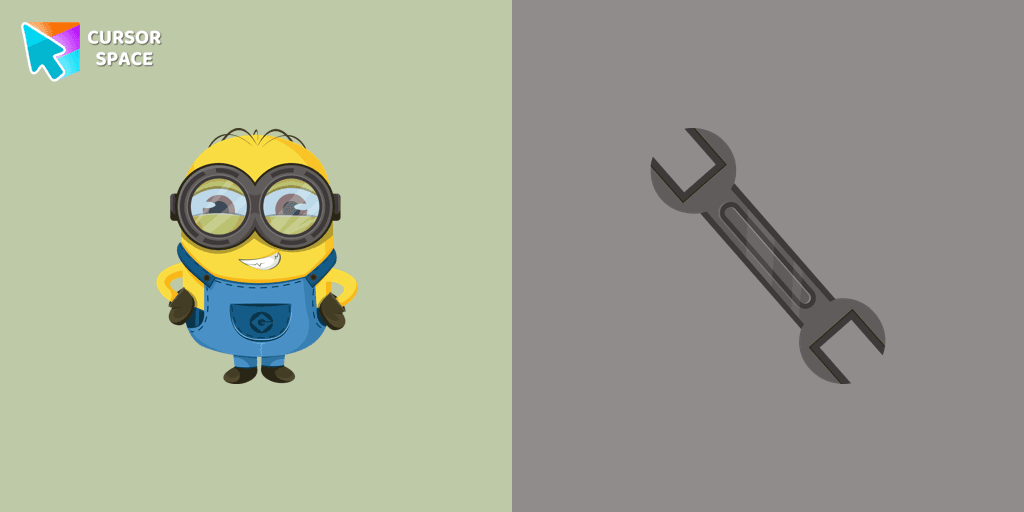
Add fun to your browsing with the Bob the Minion custom cursor for Google Chrome. This adorable design brings Bob’s playful charm to your screen.
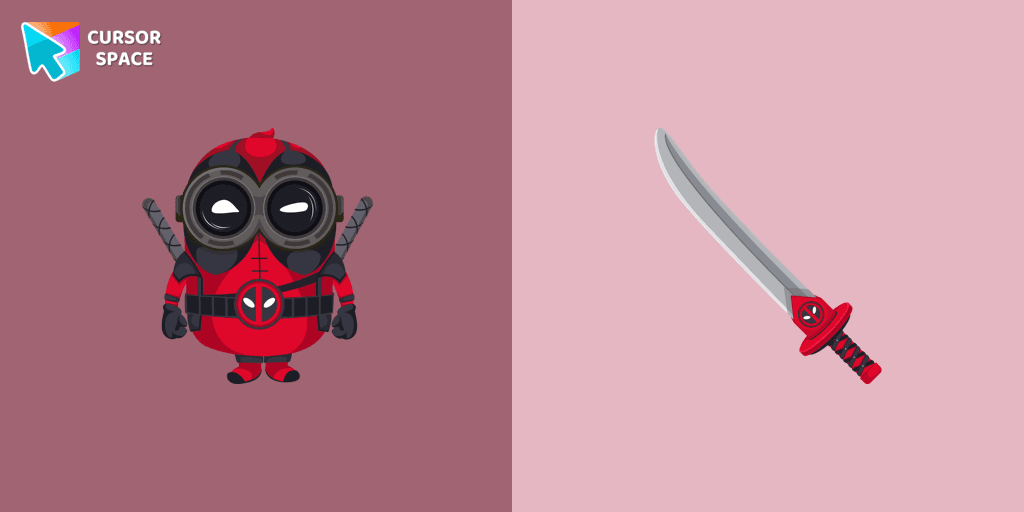
The Minion Deadpool Character custom cursor blends Minion fun with Deadpool's humor. Upgrade your browsing with this custom cursor for Google Chrome.
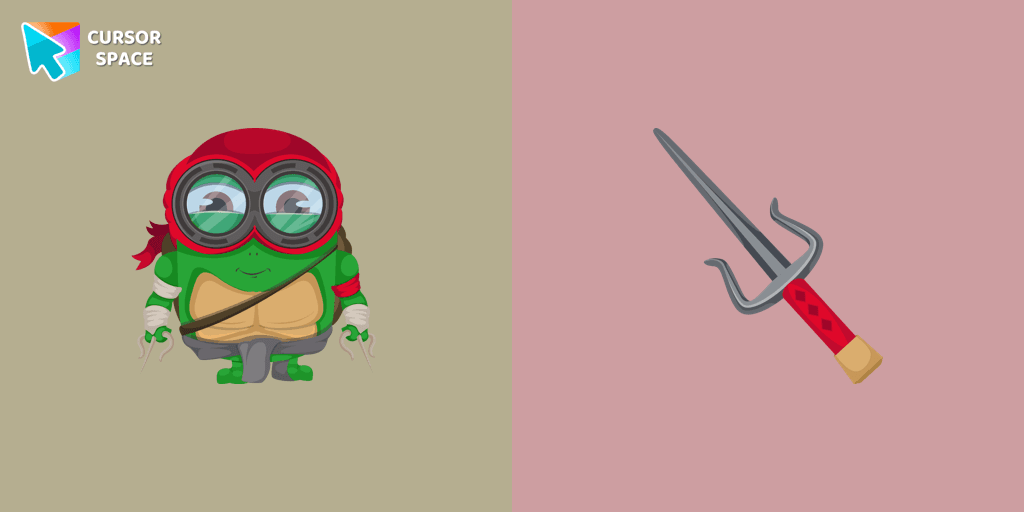
Transform your browsing with a custom cursor for Google Chrome! The Minion Ninja Turtle Character cursor combines fun Minions with Ninja Turtle excitement.
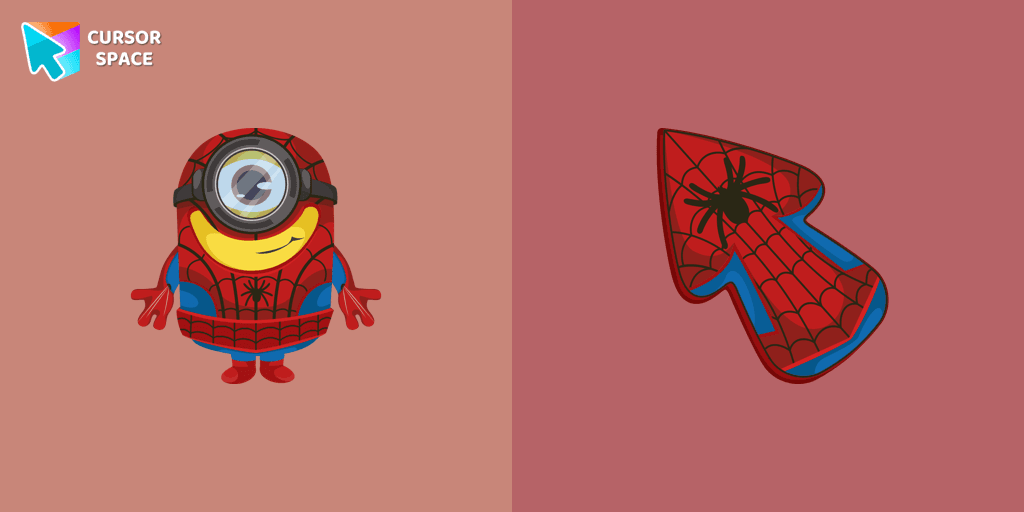
Minions custom cursors collection for Chrome has various art designs skins for characters of the comics that are shown as cursors for browser.
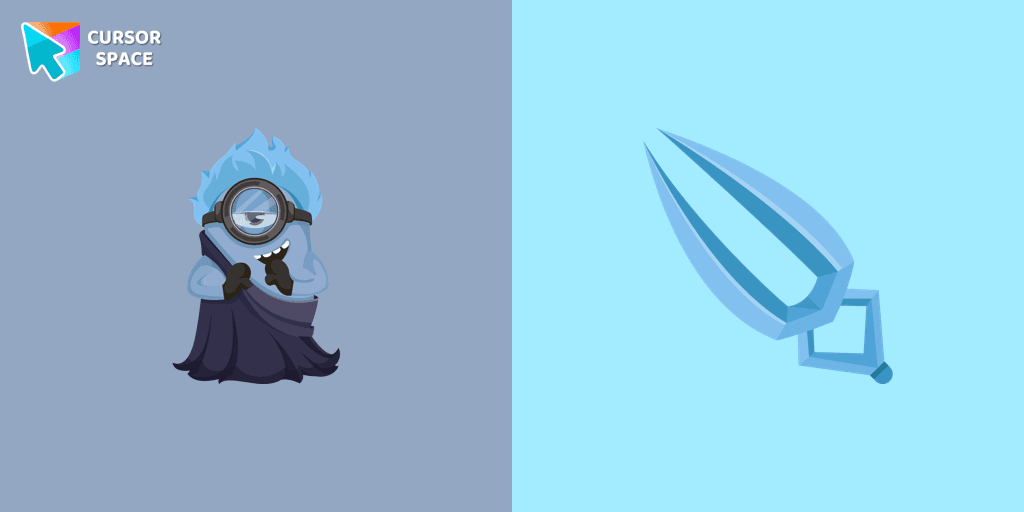
In our cute custom cursors collection with Minions, we depicted the Minion Hades as a custom cursor for the browser in beautiful graphics.
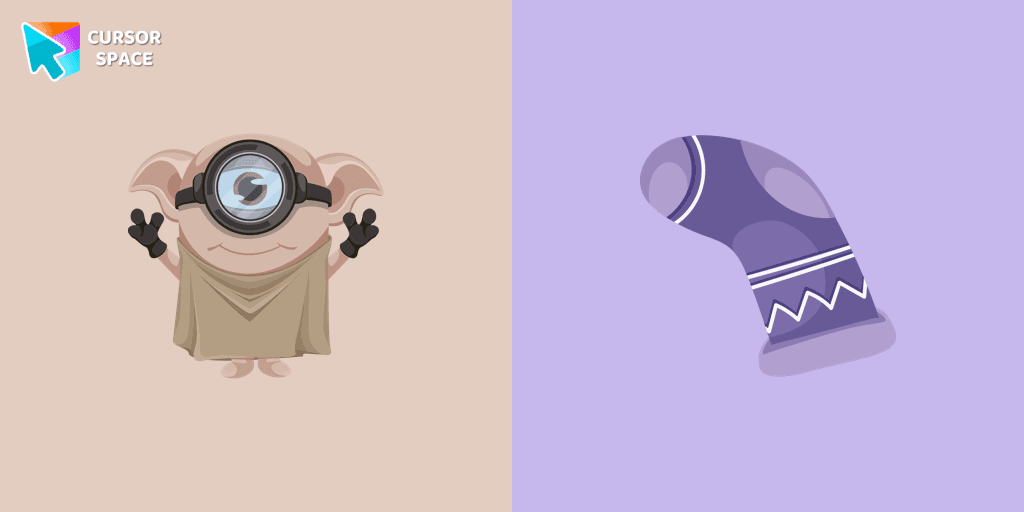
Cute Minion Dobby the house-elf cursor and pointer in our magic custom cursors collection with Minions.
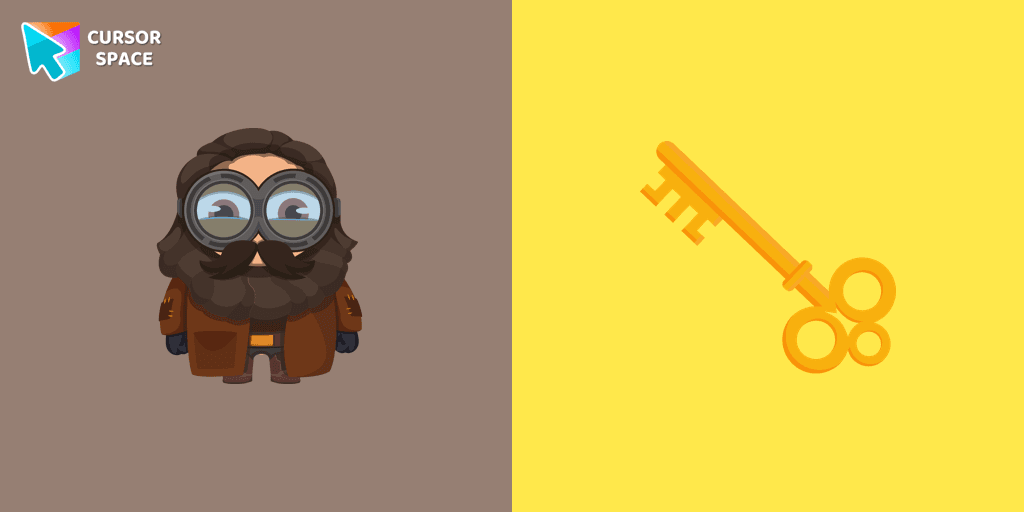
Well-designed Minion Rubeus Hagrid from Minions custom cursors collection for mouse and pointer.
There is a custom cursor with a unique scepter and a Minion Loki as a hover in a set of Minion's custom cursors for Chrome.
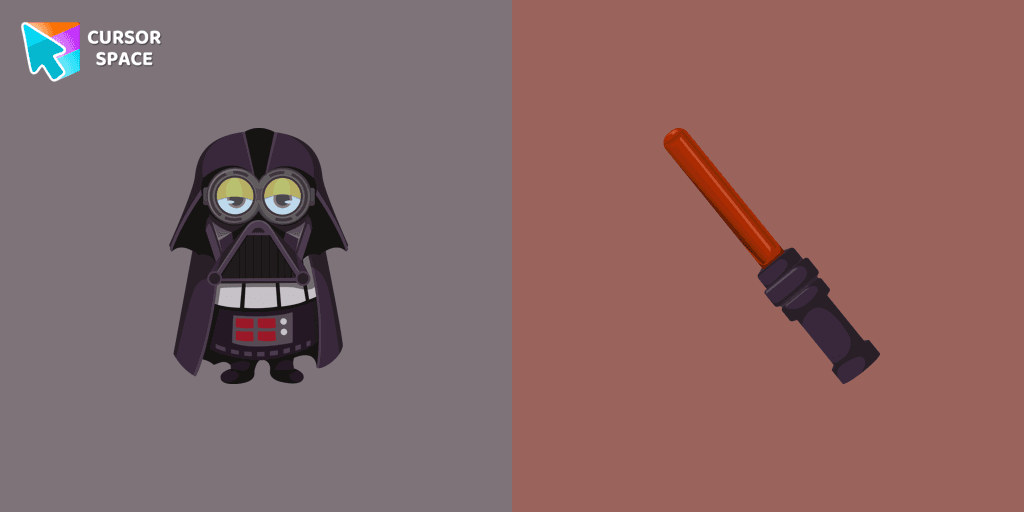
Our Minions custom cursors collection for Chrome will allow you to use the Minion Darth Vader character as a custom cursor for mouse and pointer.
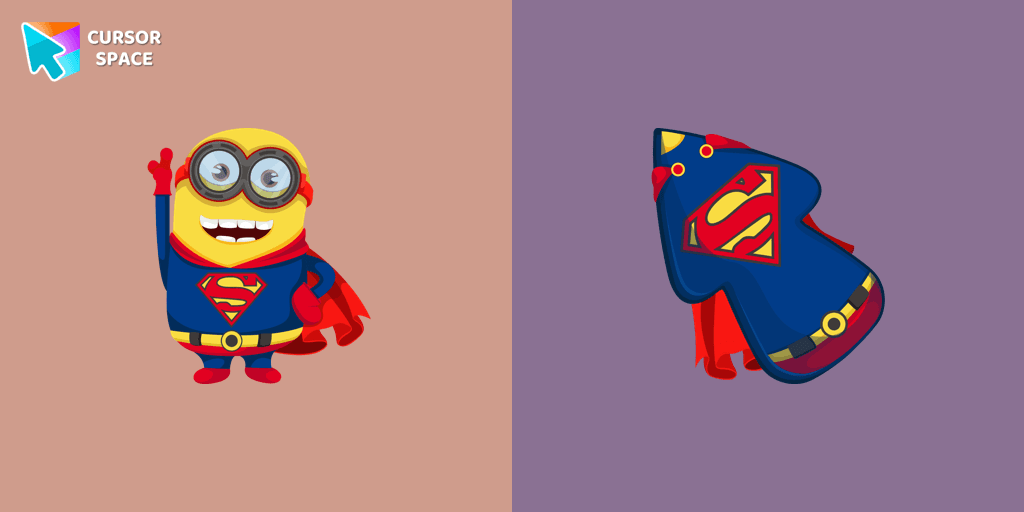
Minion Superman is a custom cursor from our custom cursors collection for Chrome. Add Minion Superman cursor in the collection of custom cursors with Minions for the browser.
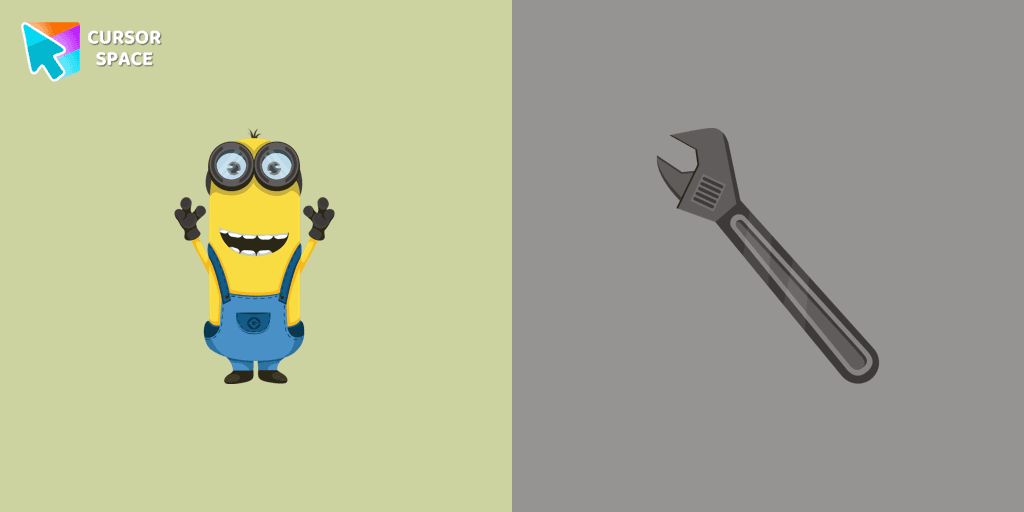
Kevin the Minion custom cursor for mouse and pointer with the adjustable wrench in a Minions collection of custom cursors.
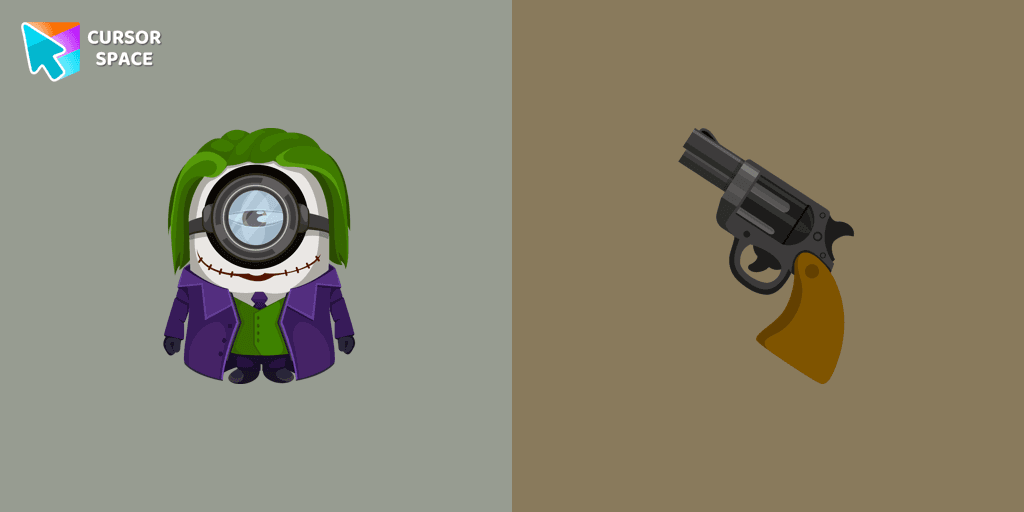
Minion Joker cursor is illustrated for our adorable custom cursors collection. Minion Joker as a cursor for the mouse and Joker's weapon pointer will look pretty cool on your screen.
Add packs instantly and unlock access to thousands of cursors: neon, anime, pixel-art, and more. Fast, safe, and free.
Cursor Space is an extension for changing your mouse cursor in Chrome and Edge browsers: themed collections, HiDPI icons, neon, animated, and pixel cursors, with quick installation.