
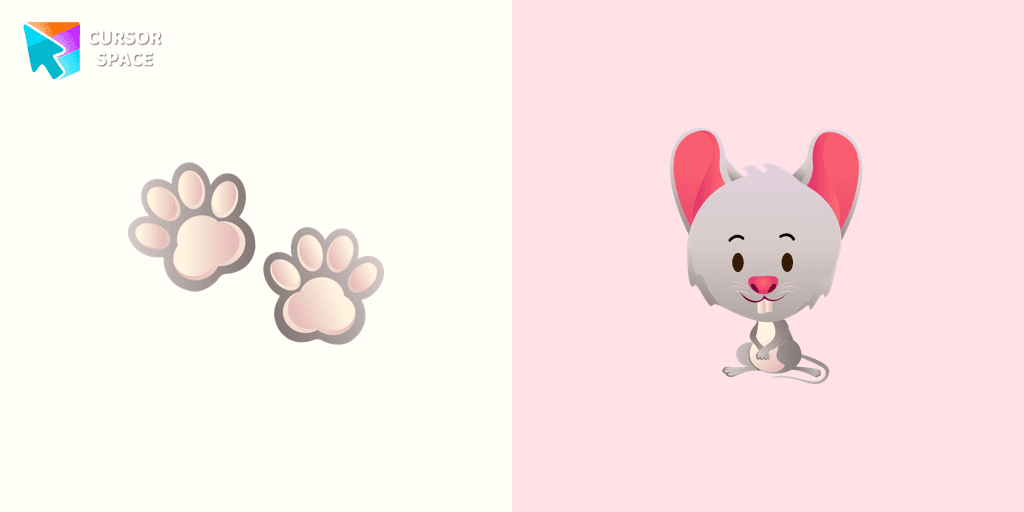
Mouse cursor
1Free
The little grey mouse cursor is illustrated for our adorable animals custom cursors collection for Chrome. Mouse footprints as a cursor for mouse and pointer will look pretty nice on your screen.
Browse our full collection of custom cursors. Find your next favorite style and install it for free.
The little grey mouse cursor is illustrated for our adorable animals custom cursors collection for Chrome. Mouse footprints as a cursor for mouse and pointer will look pretty nice on your screen.

If you want to change your usual cursor to something cute, our sea cursor for mouse and pointer will be a good match for this job. Seashell as a cursor for mouse and cute starfish pointer will look pretty nice on your screen.

Do you like a french breakfast with coffee and a croissant? Now you can change the default mouse pointer with a cute coffee and croissant custom cursor from the cutest custom cursors collection ever!

Install a pretty little hedgehog in a mild brown color as a custom cursor for mouse and pointer. There are so many cursors with animals in our the cutest custom cursors collection for Chrome.
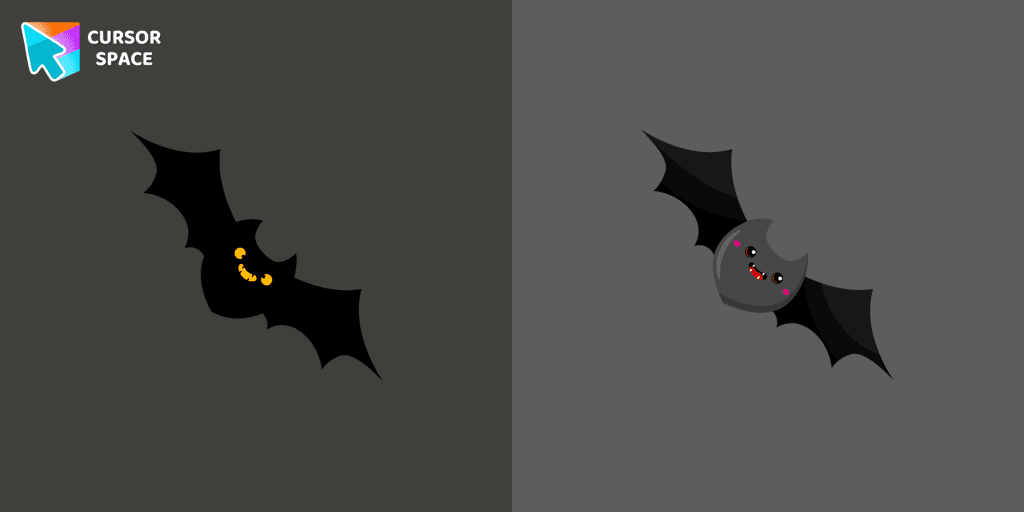
Custom cursor with a bat that was created especially for the Halloween event. Bat cursor will change the usual cursor for the mouse to a cute one.

Cupid's arrow cursor for the mouse will add a romantic mood to your everyday browsing. Heart cursor from our cutest custom cursors collection in a pretty design for mouse and pointers.

Create magic on the webpage with a wand cursor for mouse and pointer. The cutest custom cursors collection changes the usual cursor for the mouse with your favorite cutie item.

Let the sunshine on your webpage! Add a sun custom cursor like a mouse and pointer for Chrome. The cutest custom cursors collection changes the usual cursor for the mouse with your favorite cutie item.
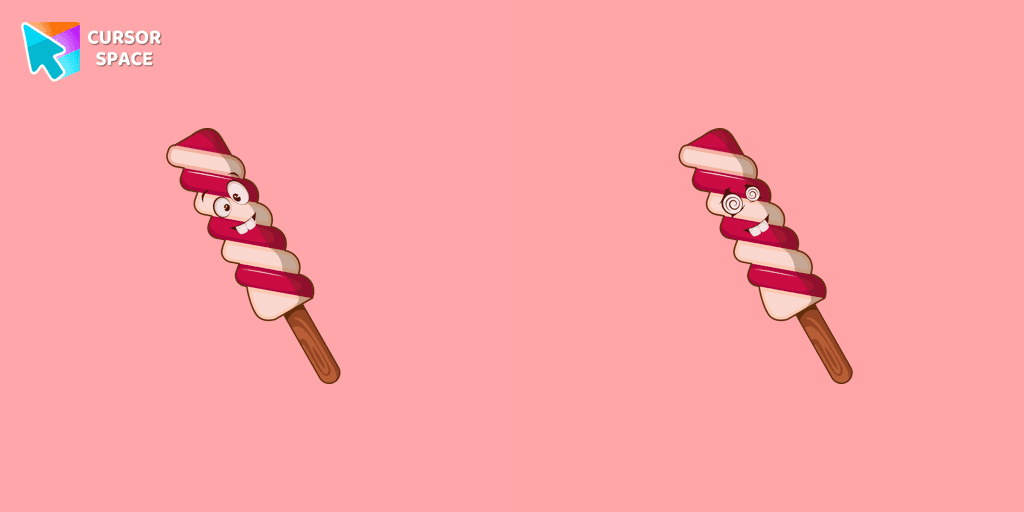
Fill up every day surfing the web with the bright and funny designed ice cream dessert cursors.
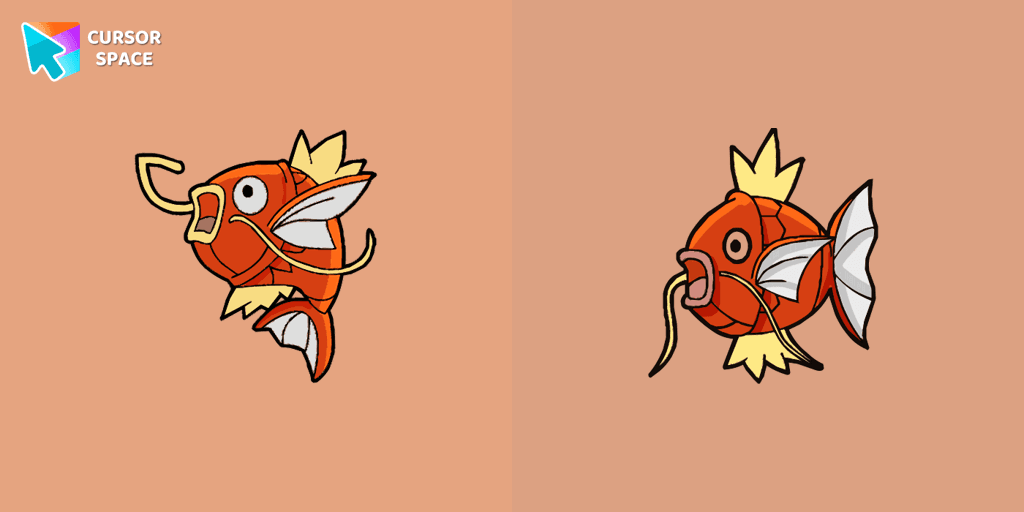
At the request of users, we made a beautiful Pokemon cursor. This weak and pitiful Pokemon is easily pushed along rivers in strong currents. It's practically useless in terms of both power and speed.

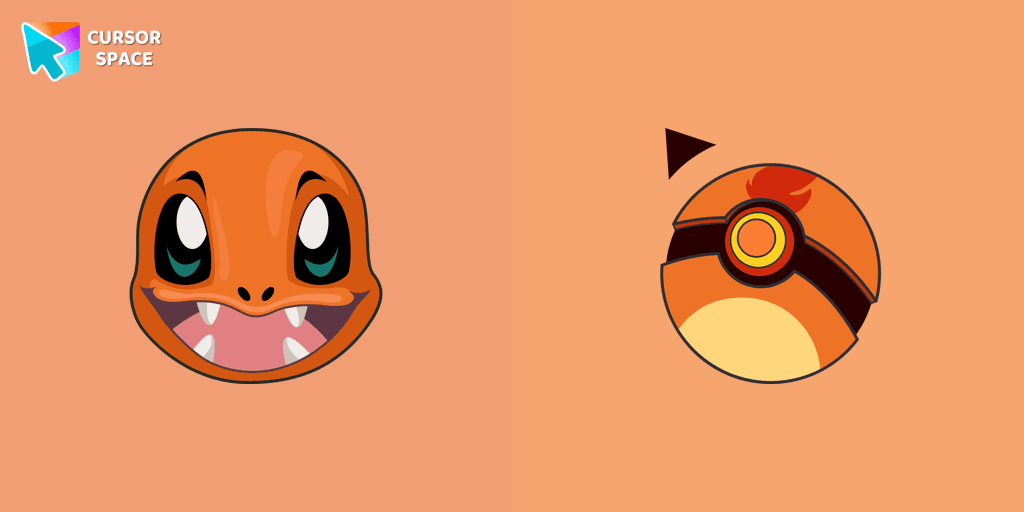
Charmander custom cursor from our Pokémon cursors collection for mouse and pointer.
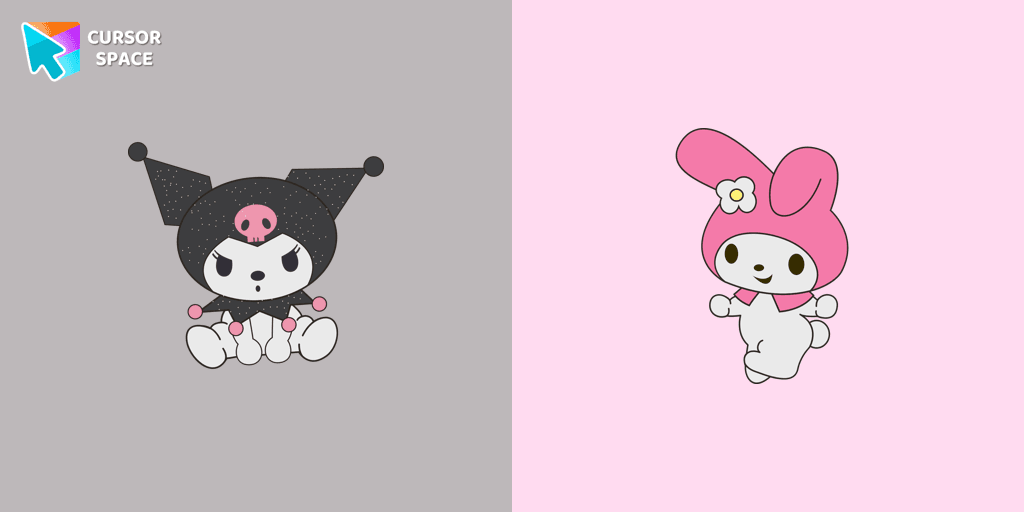
Add Hello Kitty cursor in the collection of custom cursors with Kawaii for the browser.
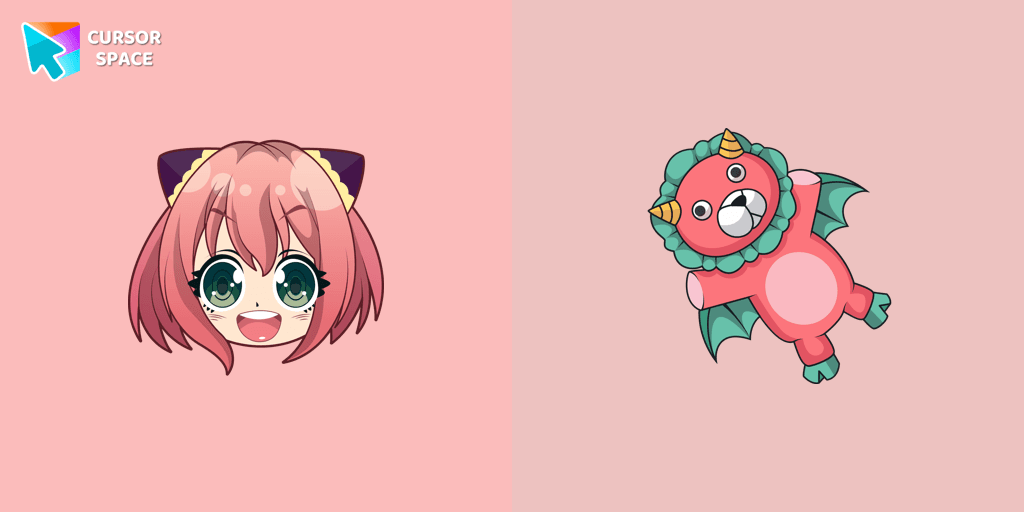
Custom cursor with Anya Forger is a good opportunity to change the usual mouse to the fans custom cursor.
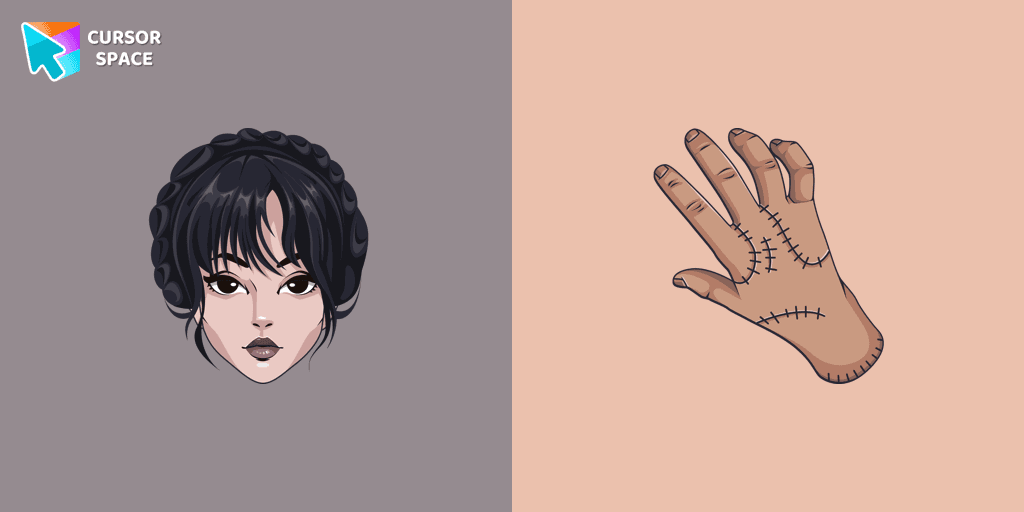
Our The Wishes custom cursors collection for Chrome has been expanded with yet another beautiful custom cursor with Wednesday Addams.

Custom cursor with Sky is a good opportunity to change the usual mouse to the fans cursors from the Friday Night Funkin collection.
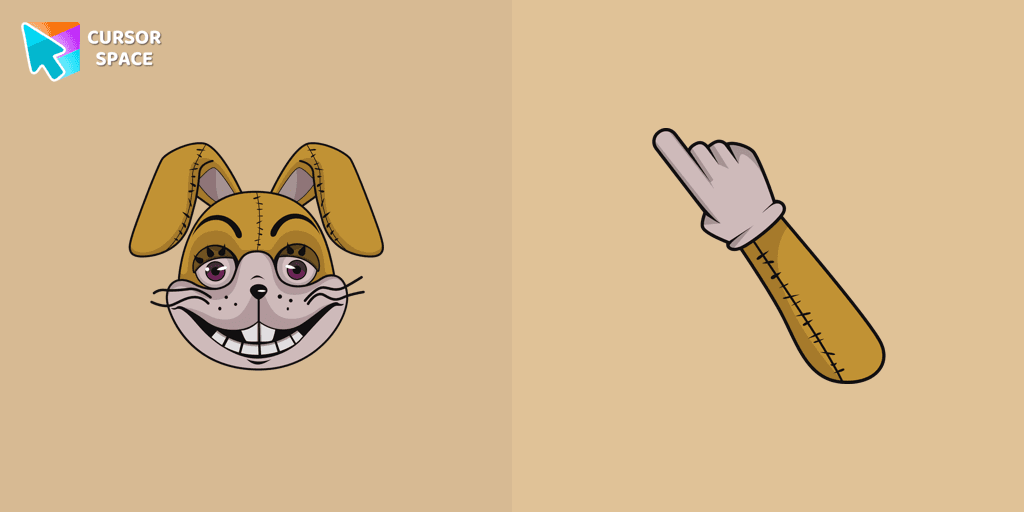
Add a Glitchtrap cursor in the collection of custom cursors with characters for the browser.
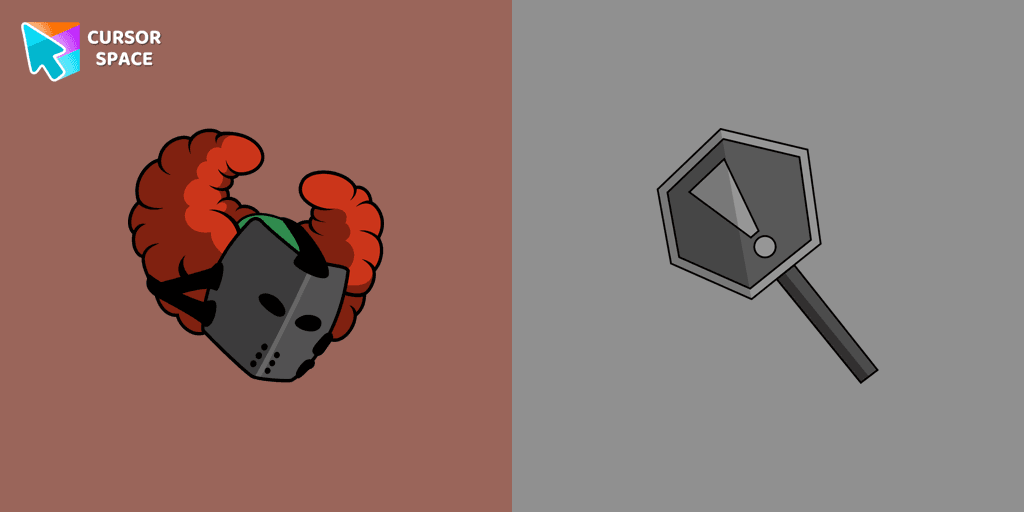
The custom cursor with Tricky the Clown is a detailed illustration of the game's character from Friday Night Funkin.
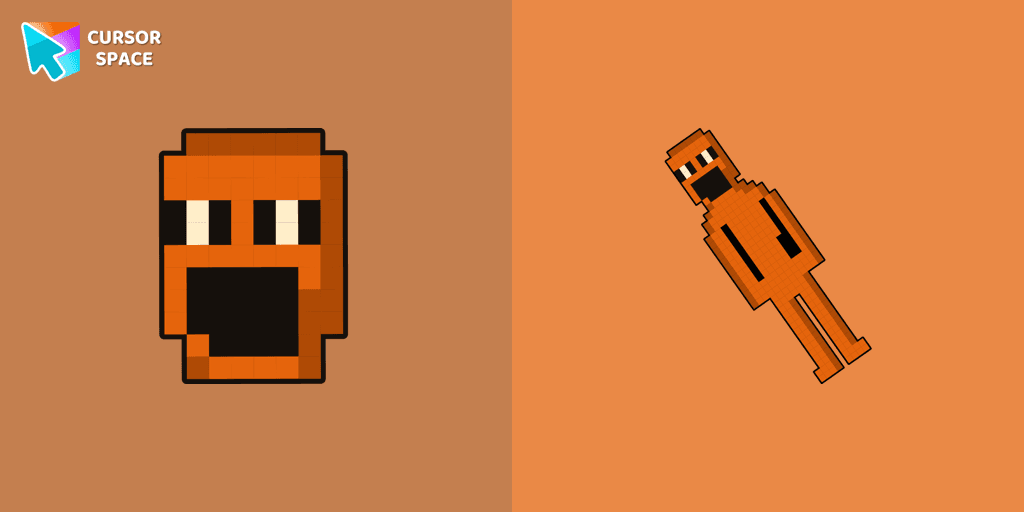
Jack Kennedy cursor for mouse and custom hover pointer with figurine Jack Kennedy in a game collection of custom cursors.

Add Kissy Missy custom cursor in the collection of custom cursors with Friday Night Funkin for the browser.
Cursor Space packs include curated cursor sets for everyday browsing: cute, minimal, anime, neon, pixel art, and more. Each pack comes with multiple cursor states (like default and pointer) and can be added to your browser in seconds.
Fresh picks based on what people install most often.
Browse themed sets grouped by vibe and aesthetic.
See weekly, monthly, and all‑time leaders.
Quick answers to common questions about cursor packs, collections, and installation.
Most cursor packs on Cursor Space are free to browse and install. Some packs may be marked premium depending on licensing. The Cursor Space browser extension is free to install from the Chrome Web Store.
Yes. Install the Cursor Space extension for Chromium-based browsers (Chrome, Edge, Brave), open a pack page, and click install/apply. The extension applies the cursor set across your browser.
Open the pack page, click the install or add button, install the Cursor Space extension if prompted, then apply the pack from the extension popup. Your new cursor appears immediately.
Yes. Open the Cursor Space extension, choose another pack, or restore the default system cursor from the extension settings.
Cursor Space is distributed via the Chrome Web Store and Edge Add-ons. Keep the extension updated, and only install packs from trusted catalog pages on this site.